TURN IT ON
open X. hit trench mode.


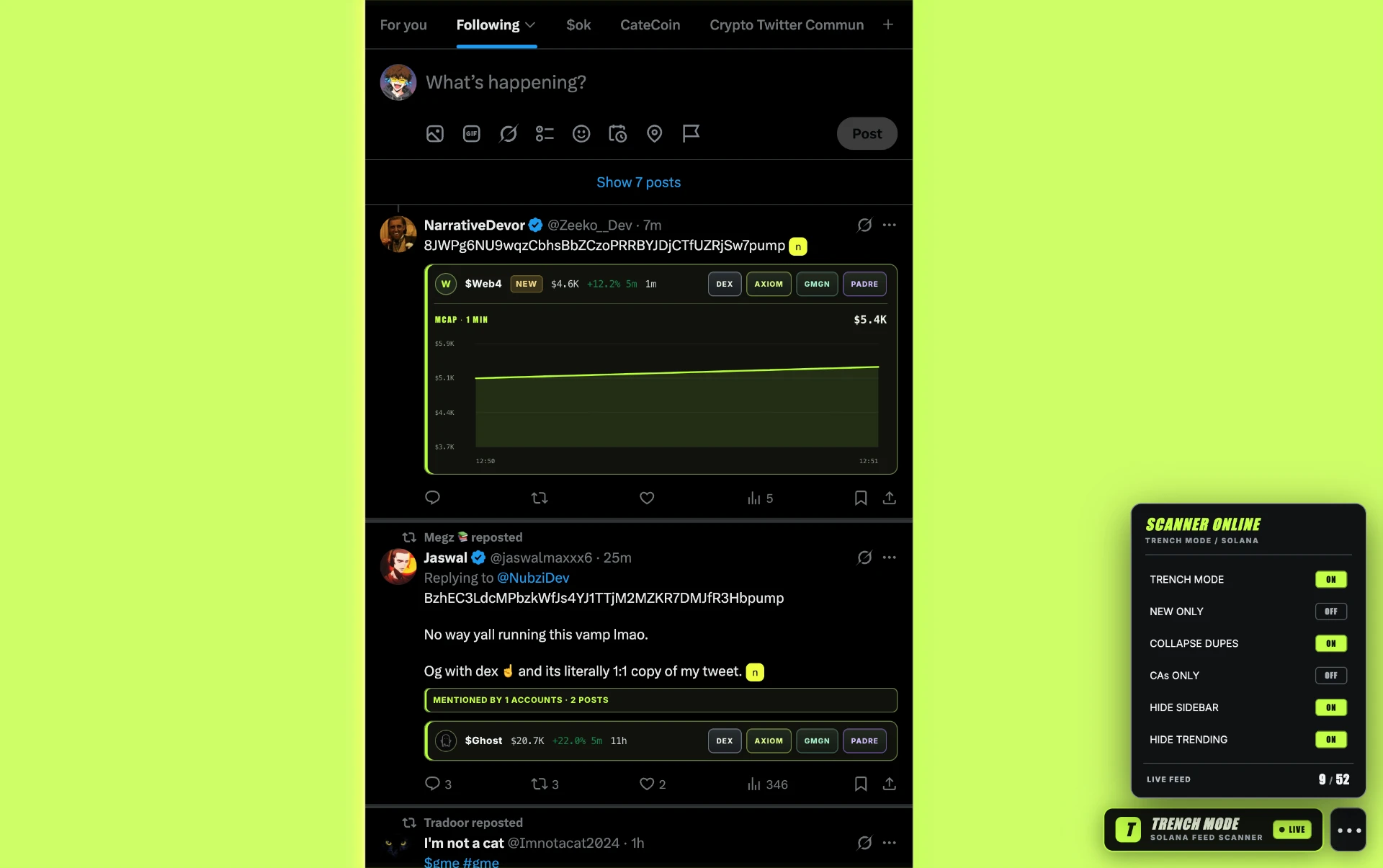
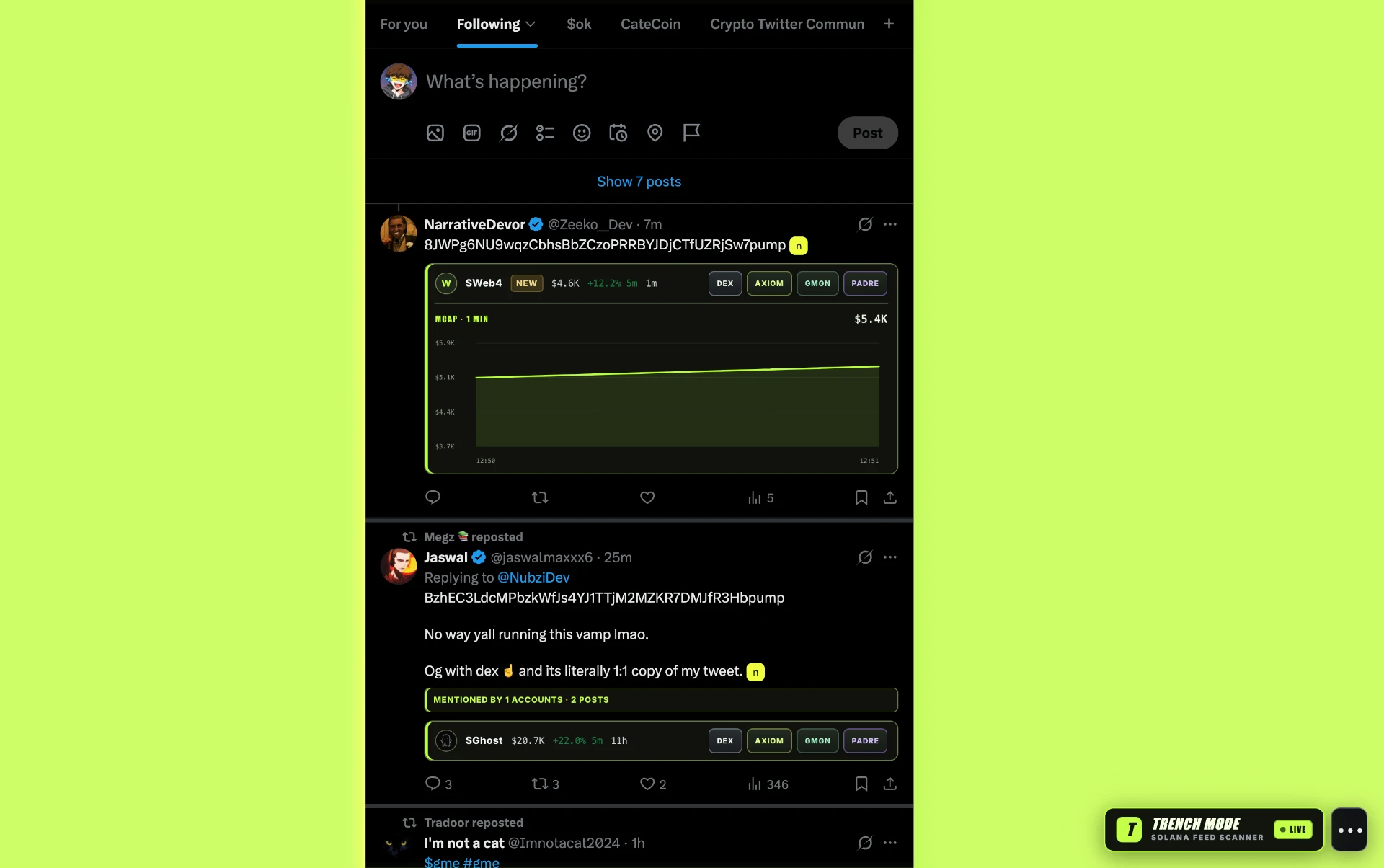
trench mode strips the noise out of your X feed and turns it into a live Solana token scanner.
CAs. tickers. charts. market caps. duplicate calls.
all inside the timeline you already use.
●THE INPUT
the problem is everything else.
●INLINE RESEARCH
see the call. check the market. open the terminal.
without leaving the timeline first.
●TICKER AMBIGUITY
tickers are messy. when multiple Solana tokens share a symbol, trench mode doesn't pretend it knows which one you meant.
●HOW IT WORKS
open X. hit trench mode.
token posts stay. everything else gets out of the way.
see market data. check the chart. jump to your terminal.
●YOUR FEED / YOUR SETTINGS
surface tokens you haven't encountered before.
compress repeated calls for the same mint.
focus on explicit addresses or resolvable token links.
remove navigation clutter, keep the page structure.
remove the right-side distraction layer.
your preferences stay where you left them.
download the trench mode extension ZIP.
extract the downloaded file.
chrome://extensions · brave://extensions · arc://extensions
turn it on, then choose LOAD UNPACKED.
open X. look bottom-right. switch it on.
●SAFETY
installing any browser extension when you've got wallets in the same browser deserves scrutiny.
don't take our word for it. inspect trench mode yourself.
Review this Chrome extension ZIP for security risks before I install it. Inspect the manifest, requested permissions, content scripts, JavaScript, external network requests, remote code loading, obfuscated code and any potential access to wallet-related data. Identify suspicious behaviour and explain the risks in plain English. Tell me what you could verify, what you couldn't verify and whether anything requires further investigation. Do not assume the extension is safe simply because no obvious malicious code was found.
●THE TOKEN
trench mode started as a tool for the trenches. $trenchmode exists alongside the product and helps support continued development.
●X / COMMUNITY
product updates · bugs · new features · trench shitposting
your timeline already has the signal.
trench mode removes everything around it.